RLS (Row Level Security): the wall your database needs that almost nobody builds

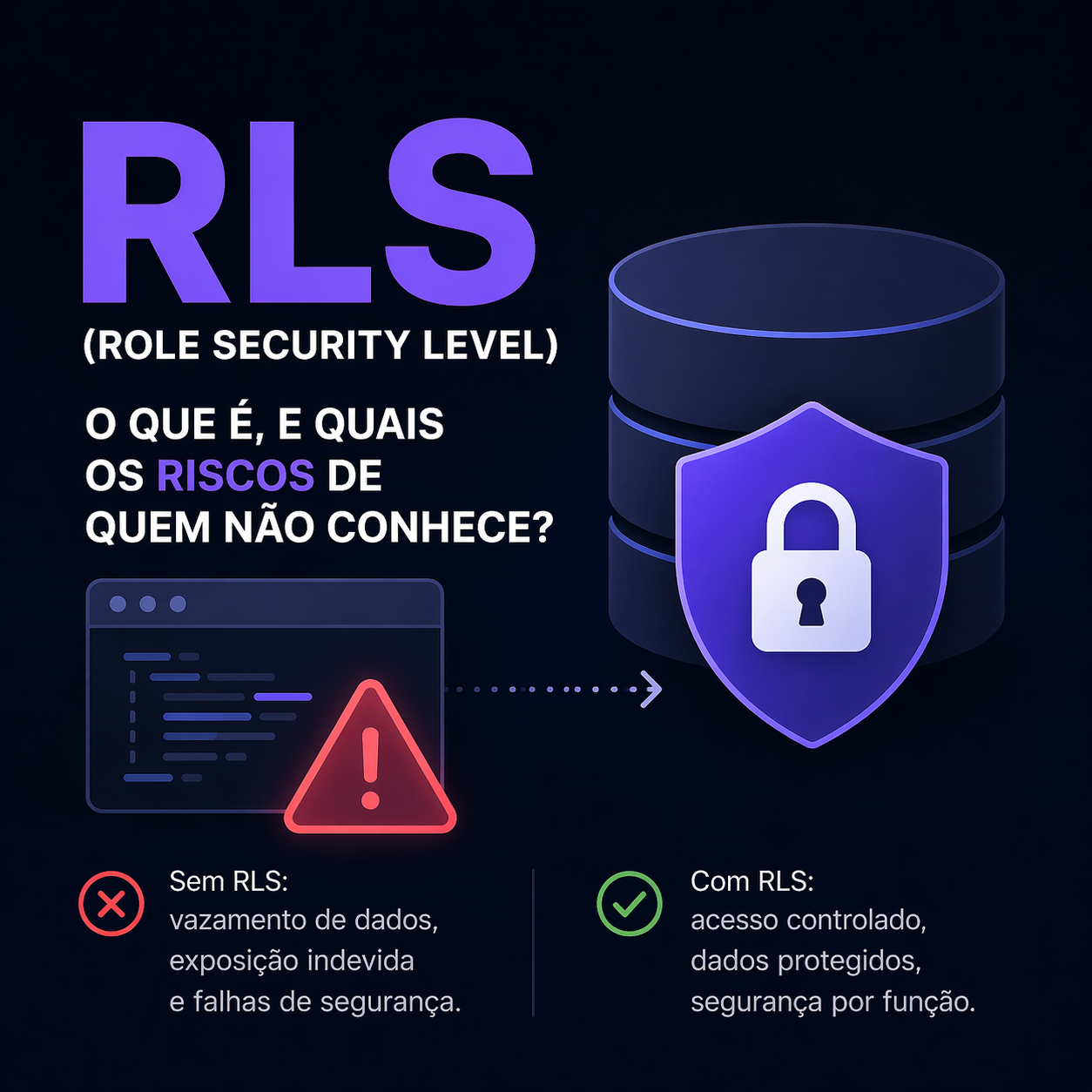
There's a type of bug that doesn't break the build, doesn't show up in the logs, doesn't land in Sentry, but kills your product overnight: user A opening the application and seeing — out of nowhere — user B's data. Transaction, balance, tax ID, address, whatever. And the worst part: in almost every project where I saw this happen, the problem wasn't "a bug" in the code. It was the total absence of RLS in the database.
Today I want to talk about Row Level Security, which is literally the wall that separates one user's data from another's — within the same table.
With vibe coding on fire (which is basically asking AI to code everything and pushing features without looking much under the hood), this has become even more common. People spin up a Supabase instance, create some tables, connect to the frontend and think they're done. Except they forgot to lock the door. So anyone with the public key can run SELECT * FROM users and walk away with the entire database.
It's not an exaggeration. I've seen it.
So, what is RLS?
Row Level Security is a native PostgreSQL feature (and inherited by platforms like Supabase, Neon, etc.) that allows you to apply access rules at the row level. Instead of controlling access only in the application code, you push the control down to the database itself.
It works roughly like this: you enable RLS on the table, create policies describing who can read, write, update, and delete what, and Postgres starts filtering every query automatically — without the developer needing to remember this in every WHERE clause.
In a world without RLS, every table is like a room with an open door. Whoever reaches the database with a valid key (your anon key, for example) can, in theory, read everything. What protects it is your application — and if it fails on one endpoint, it's game over.
With RLS, the door is locked by default. Even if the frontend asks for everything, the database only delivers what the user in that session has the right to see.
Think of RLS as the database's seatbelt. It's not what drives well — but when there's a crash, it's what saves you.
Why this has become urgent (not just a curiosity)
If you look at any multi-tenant project — SaaS, financial platform, collaborative tool — each customer's data lives alongside everyone else's. Usually in a user_id, tenant_id, organization_id column, those kinds of things.
If protection is only on the frontend or only in the API layer, one endpoint that forgets to filter and all of every customer's data leaks. And if you expose the database directly to the client (standard Supabase, Firebase, etc. pattern), your only line of defense becomes the database rule. In other words: without RLS, there's no defense.
You see these people spinning up SaaS products in 3 days using AI and pushing them live? Many of those projects have public tables behind the anon key. I've opened the console on some "products" and been able to list users that weren't mine. This isn't paranoia — it's the real scenario.
Vibe coding accelerates delivery, but also accelerates the number of security holes going to production. And LGPD/GDPR doesn't care if you "didn't know."
The classic problem: "but I filter on the frontend"
This argument comes up every single time. "Oh, but my query already has where user_id = currentUser, so it's secure."
It's not. And I'll show you why.
// client code — runs in the browser, anyone can inspect
const { data } = await supabase
  .from('transactions')
  .select('*')
  .eq('user_id', currentUser.id) // "safe", right? 🙃
Anyone with DevTools open can:
- Replace
currentUser.idwith any other ID. - Remove the
.eq()entirely and do aSELECT *. - Use the
anon keydirectly in acurlrequest to hit the Supabase/PostgREST REST endpoint.
Without RLS, the database serves everything. Because from its perspective, the key is valid and nobody said that row is forbidden.
The only thing that permanently breaks this is a policy in the database saying: "from this table, you can only see rows where user_id = auth.uid()."
In practice: enabling RLS in Postgres/Supabase
Let's look at the example I see most often: a transactions table where each user should see only their own rows.
-- 1. Enable RLS on the table (disabled by default)
alter table transactions enable row level security;

-- 2. Read policy: authenticated user can only read their own rows
create policy "select_own_transactions"
on transactions
for select
to authenticated
using (auth.uid() = user_id);

-- 3. Insert policy: user can only insert linked to their own id
create policy "insert_own_transactions"
on transactions
for insert
to authenticated
with check (auth.uid() = user_id);

-- 4. Update/delete policy: same logic
create policy "update_own_transactions"
on transactions
for update
to authenticated
using (auth.uid() = user_id)
with check (auth.uid() = user_id);

create policy "delete_own_transactions"
on transactions
for delete
to authenticated
using (auth.uid() = user_id);
Two important things here:
usingis the read rule (which rows I can see);with checkis the write rule (which rows I can create/edit).
If you forget with check on insert/update, the user can create a row on behalf of someone else and bypass the policy. Small detail, huge consequence.
Multi-tenant: when the filter isn't by user
In B2B SaaS, the filter is usually by organization. A common approach:
alter table invoices enable row level security;

create policy "select_invoices_same_org"
on invoices
for select
to authenticated
using (
  organization_id in (
    select organization_id
    from memberships
    where user_id = auth.uid()
  )
);
Here the policy says: you can only see invoices from an org where you're listed as a member. Rule in the database, not on the frontend. Heavier subqueries can cost performance — so add an index on memberships(user_id, organization_id) and measure.
Role-based: admin sees everything, regular user sees their own
You can combine RLS with custom roles (via JWT claim in Supabase, for example):
create policy "admins_see_all"
on transactions
for select
to authenticated
using (
  auth.jwt() ->> 'role' = 'admin'
  or auth.uid() = user_id
);
The or is the trick — admin sees everything, everyone else sees their own. Just be careful about who issues the JWT and what goes in the claim, because if the frontend can manipulate this, security is gone.
Things I learned the hard way
Some lessons from real projects (my own and clients'):
alter table ... enable row level securitywithout a policy breaks everything. Enabling RLS without declaring any policy causes the database to block 100% of client access. So either create the policies first, or prepare for "oops" on deploy.service_rolebypasses RLS. In Supabase, theservice_role keygoes right past the policies. It should never go to the client. Only the backend, and even then, carefully.- Test as if you were the attacker. Log in as user A, grab the token, try to access user B's resource. If it works, you have a bug. If it blocks with a policy error, you're on the right track.
- RLS doesn't replace input validation. You still need to sanitize, you still need backend validation. RLS is the last barrier, not the only one.
- Views and functions need attention.
SECURITY DEFINERin a function can bypass RLS unintentionally. Read the docs before using it.
If you use Supabase, you can run select auth.uid(); inside the SQL editor logged in as a test user to validate the policy. Testing with a real user saves time.
Vibe coding and the problem of scaling without looking underneath
Getting back to the point that motivated me to write this: vibe coding is great until someone opens the console.
I've seen recent projects — some with investors, paying customers — where the team built everything at full speed, feature on top of feature, AI writing 80% of the code. And nobody stopped to ask: "what about the policy for this table?"
The result is usually the same: tables without RLS, anon key exposed, one customer's data accessible by another. Discovered in an audit, a pentest, or worse — the customer complaining that "strange data appeared on my screen."
It's not the AI's fault. It's a lack of review, lack of criteria, and a certain euphoria that "if it works, it's good." Working and being secure are two very different things.
Conclusion
RLS isn't an optional database feature — it's a trust contract with your user. If you store data from more than one person in the same table — and almost every SaaS product does — enabling RLS should be step zero, not the last step.
And it's worth repeating: frontend validation is not security. Backend filtering without RLS is not defense in depth. The database layer is the last line, and it needs to be standing when everything else fails.
If you're starting a new project, enable RLS before populating the first table. If you already have a production project without RLS, that's your next sprint — regardless of what the board said. Because the day it leaks, nobody will remember that feature X was the priority. They'll only remember that you didn't protect the data.
And that's the kind of thing AI won't solve for you, no matter how much vibe coding you do. Stopping, looking at the foundation, designing the policies, and testing remains engineering work.